What's FIlegramm?
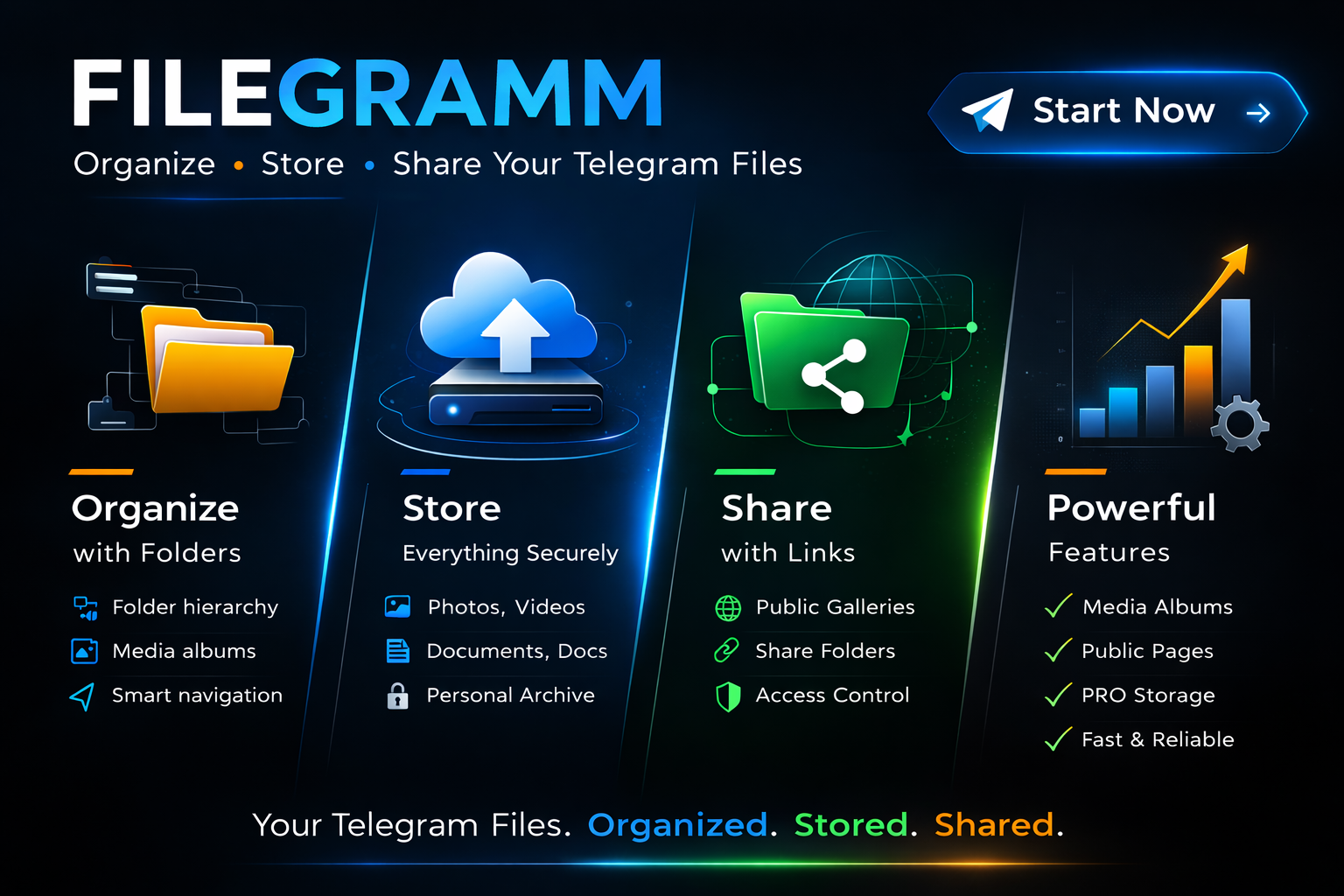
Filegramm is a Telegram bot that transforms Telegram into a structured file management and publishing system.
Telegram chats are excellent for messaging but poor for long-term organization. Files get buried, albums scatter, and links disappear in endless history. Filegramm solves this by adding a folder-based file system, browsing interface, and sharing layer on top of Telegram.
Instead of treating Telegram like a chaotic chat stream, Filegramm treats it like a personal archive and gallery platform.
Users can organize files, store them securely, browse them with a clean interface, and share selected content through public links.
Core Idea
Filegramm turns Telegram into a personal file library.
Instead of:
Telegram → chat history → endless scrolling
You get:
Telegram → structured folders → searchable archive → shareable galleries
The bot provides a stateful UI inside Telegram that allows users to interact with their stored content almost like a file manager.
What Problem It Solves
Telegram has several limitations when used as storage:
-
files are buried in message history
-
no folder organization
-
albums lose grouping
-
sharing content requires manual forwarding
-
finding old files is difficult
-
no public gallery system
Filegramm adds:
-
folder hierarchy
-
file navigation
-
organized storage
-
structured browsing
-
shareable file links
-
public gallery pages
Main Capabilities
1. File Organization
Users can organize Telegram content into a structured folder system.
Features include:
-
unlimited nested folders
-
folder rename and move
-
automatic name conflict handling
-
folder deletion with safe cascading
-
breadcrumb navigation
-
folder hierarchy visualization
This turns Telegram content into a navigable file tree instead of a chat log.
2. File Management
Files inside folders behave like real file system objects.
Supported actions include:
-
rename files
-
move files between folders
-
delete files
-
toggle visibility (private / public)
-
open file preview
-
open original content
Files may include:
-
photos
-
videos
-
documents
-
text messages
-
media albums
-
forwarded Telegram content
3. Media Album Support
Telegram media groups (albums) are treated as single logical items.
Instead of storing each message individually, Filegramm stores:
-
one logical file entry
-
multiple Telegram message IDs
Opening the album automatically forwards all messages together.
This preserves the original album experience.
4. Secure Storage
Files are stored using Telegram channels as storage infrastructure.
This allows:
-
reliable Telegram hosting
-
unlimited Telegram storage capacity
-
persistent message access
-
fast content retrieval
Two storage modes exist.
Standard Storage
In standard mode:
-
files are stored in infrastructure managed by the bot
-
content is not publicly accessible
-
administrators may access content only for moderation or maintenance
Private Storage (PRO)
Advanced users may connect their own Telegram channel as storage.
Benefits include:
-
full control over stored files
-
complete storage ownership
-
separation from centralized infrastructure
5. Smart Navigation Interface
Filegramm includes a dynamic browsing UI inside Telegram.
The interface supports:
-
folder browsing
-
file browsing
-
pagination
-
sorting options
-
filtering options
-
adjustable grid layout
-
breadcrumb navigation
Users can quickly explore their content without scrolling through chat history.
Navigation features include:
-
page controls
-
visibility filters
-
item type filters
-
sorting options
-
adjustable column layouts
6. Public Sharing
Files and folders can optionally be shared publicly.
Sharing features include:
-
shareable file links
-
shareable folder galleries
-
public gallery browsing
-
visitor tracking
-
like and follow interactions
Public content allows users to create personal media galleries directly from Telegram files.
7. Public Galleries
Folders can become public gallery pages.
Visitors can:
-
browse folder content
-
open files
-
follow creators
-
like public items
This creates a lightweight content publishing platform.
8. Access Control
File visibility can be managed per item.
Files can be:
-
Private – visible only to the owner
-
Public – accessible through generated links
Public files may appear in shared galleries or external pages.
9. Referral System
Filegramm includes a built-in referral mechanism.
Users can invite others using referral links.
Referral rewards may provide:
-
additional access days
-
account benefits
-
premium activation options
10. Premium Features
Some advanced capabilities are available through PRO access.
PRO features may include:
-
private storage channels
-
unlimited uploads
-
advanced sharing features
-
additional system limits
-
extended browsing capabilities
Premium access helps support the long-term development of the project.
Technical Overview
Filegramm is built using a modular architecture.
Core components include:
-
Telegram Bot API
-
aiogram framework
-
SQL database
-
Redis session state
-
structured UI renderer
-
message diff update system
The system separates:
-
business logic
-
storage logic
-
UI rendering
-
Telegram update handling
This design allows the bot to evolve without breaking existing features.
Why Filegramm Exists
Telegram already stores huge amounts of content, but the platform lacks tools to manage it efficiently.
Filegramm fills this gap by providing:
-
organization
-
structure
-
discoverability
-
controlled sharing
The goal is simple:
Turn Telegram into a usable long-term content archive.
Summary
Filegramm is a Telegram bot that provides:
-
folder-based file management
-
structured content browsing
-
Telegram-based storage
-
shareable public galleries
-
secure private archives
-
premium ownership features
It transforms Telegram from a messaging history into a personal digital library.